The SimRush Easy IP WiFi is a small, affordable device that you can connect to your existing router to provide you with a static IP address. It is pre-configured out of the box.
To get online, simply turn on the device as instructed below.
Instructions:
Make sure you follow the following steps to get online.
- Connect the supplied power adaptor (24v 1.2a DC) to the round DC port on the left side of the unit.
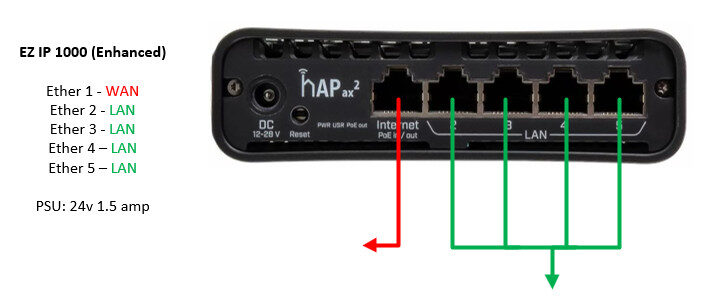
- Connect the Ethernet Port1 ( Highlighted in RED ) to your broadband network and ensure the router is handing out DHCP.
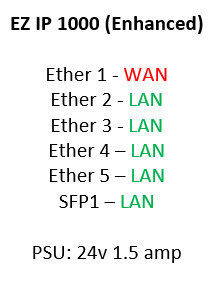
- Connect your PC/Device to any LAN port (Highlighted in GREEN ) for connection to the internet via the Static IP allocated. Ethernet port 2, 3, 4, 5 and SFP are designated as the LAN.
- To make changes to the LAN address settings or Port forwarding,
Please complete the change request form here:
Easy IPv4 configuration | SimRush

Cable Guide: