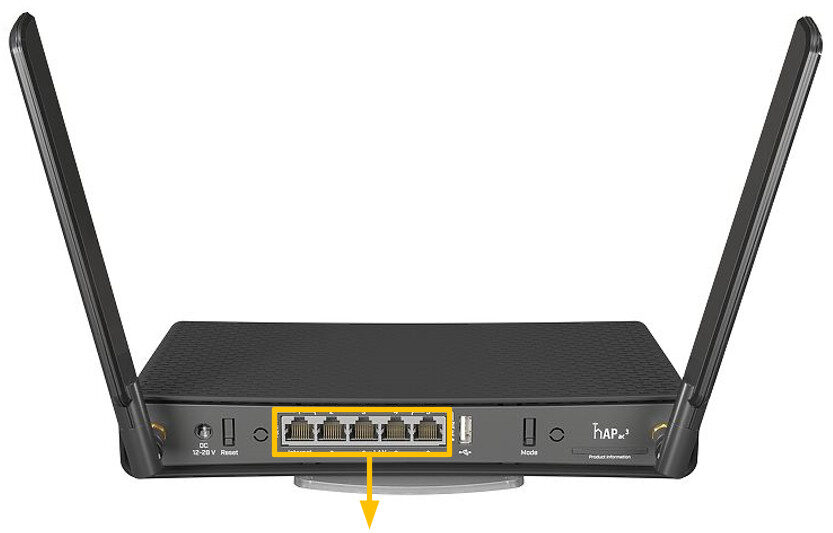
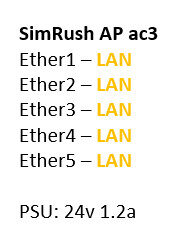
The SimRush AP ac3 supports 5x gigabit LAN interfaces and dual band AC wireless
The connectorised antenna’s give the unit a higher amount of gain to provide better coverage in the area’s where it is deployed
The unit comes with a mounting plate to allow it to stand verticle or to be fitted to a wall or other flat surface
Instructions:
⚠️ The SimRush Access Points are centrally managed by the SimRush Controller and configured via the cloud management platform – SPanel. They are not stand alone wireless access points which requires a controller.
The unit is preconfigured to connect to the SimRush Controller which manages the wireless centrally via SPanel.
- Unbox the access point and follow the cable guide below
- Power the unit via the supplied PSU or via a PoE Switch
ℹ️ We would recommend using Port 1 as the “Uplink” port which connects back to the SimRush Controller. This port also a PoE-in port and can be powered by a compatible PoE Switch.
Cable Guide: