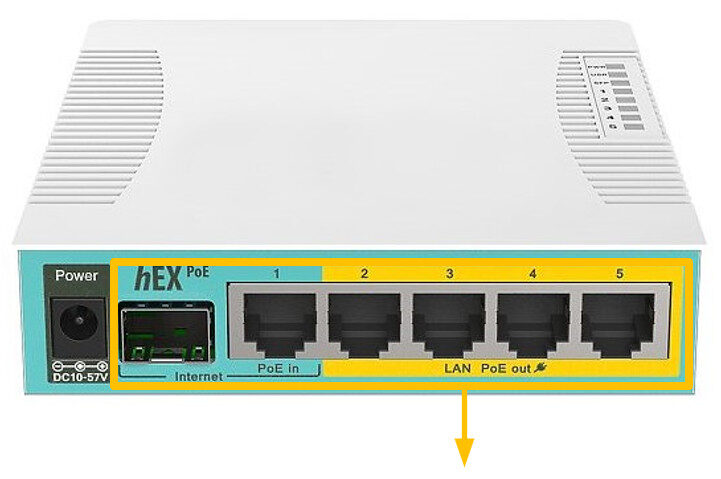
The H1 Switch provides eight shielded gigabit ethernet ports for locations where you need to the ability to power multiple PoE devices.
The switch also has a USB 2.0 port and an SFP cage for adding long distance optical fibre connectivity.
Whilst it is our smallest switch, the H1 does come with a very powerful 800MHz CPU so it is still capable of handling high-speed requirements.
It’s an ideal choice if you only have a few devices to power and you want less power adapters and cables to worry about.
It can be desktop or wall mounted for discrete installation.
Max current is 1A per port if input voltage is 12-30V.
Instructions:
The unit is preconfigured to connect to the SimRush Controller which will show its online status via SPanel.
- Unbox the access point and follow the cable guide below.
- Power the unit via the supplied PSU.
- Connect devices to switch as desired.
ℹ️ We would recommend using Port 1 as the “Uplink” port which connects back to the SimRush Controller.
Powering:
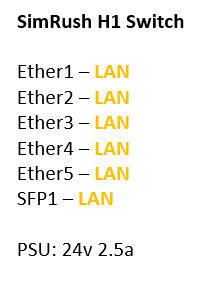
This unit is powered by 24v DC input via a DC power jack.
The PSU is supplied with the unit at 24v 2.5a 60w.
This unit supports PoE Output of 24v Passive on ports 2-5.
This unit does not support 48v (802.3af/at) output.
Cable Guide: